
In this story ⌄
- Notice the interruptions before buying another accessory.
- Rearrange the tools you reach for most often.
- Keep cables accessible and ventilation openings clear.
A desk can look perfect in a photograph and still be annoying to use. The cable catches. The light hits the screen. The thing you need every day lives just outside comfortable reach.
Start there. A useful upgrade removes one of those little interruptions. It does not need to turn your workspace into a shopping list.
Notice what interrupts you
Use the desk normally for a day and make a short friction list. Write down the moments that make you stop: reaching for a cable, clearing space to write, moving a lamp, or hunting for headphones.
Focus on repeated annoyances. A beautiful object that solves no actual problem can become one more thing to move around.
Choose the three interruptions you encounter most often. These are your starting points. Take a quick photo before changing anything so you can compare the arrangement later.
Give the working area some space
Move everything off the surface except the items needed for your main task. Put the extras nearby rather than immediately discarding them.
Now add back the things you reach for regularly. Keep your writing space clear if you use paper. Give your mouse enough room for its normal movement. Position a frequently used notebook where opening it does not require rearranging the keyboard.
Try the layout for a work session. Empty space is useful only if it supports the way you work; a desk does not have to look like a showroom.
Make cables easy to follow
Trace each cable from device to destination. Remove disconnected cables and give the remaining ones enough slack for normal movement.
Group cables by purpose, not simply by what looks neat. You may want charging cables within reach while keeping permanent display connections out of the way. Label similar plugs if you regularly disconnect them.
Keep adapters and power connections accessible. Avoid making a tidy bundle so tight that moving one device pulls on several others. Follow the equipment's instructions and leave ventilation openings clear. Mac laptop owners can check Apple's ventilation and operating-temperature guidance.
Test the light you already have
Notice where shadows and reflections fall during the hours you actually use the desk. A lamp or screen that looks fine at noon may be awkward after sunset.
Try changing the position or angle of an existing light before replacing it. Check the screen from your usual seat, then make a small adjustment and compare. You are aiming for a comfortable view, not a photographically perfect glow. OSHA's workstation lighting guide illustrates how light placement and reflections interact.
If you take calls at the desk, consider what appears behind you as well. A simple, deliberate background often needs less work than a completely redesigned room.
Add only what solves the remaining problem
After a few days, revisit your friction list. Some problems will have disappeared through placement alone. Others may need a small accessory, a longer cable, or a different storage spot.
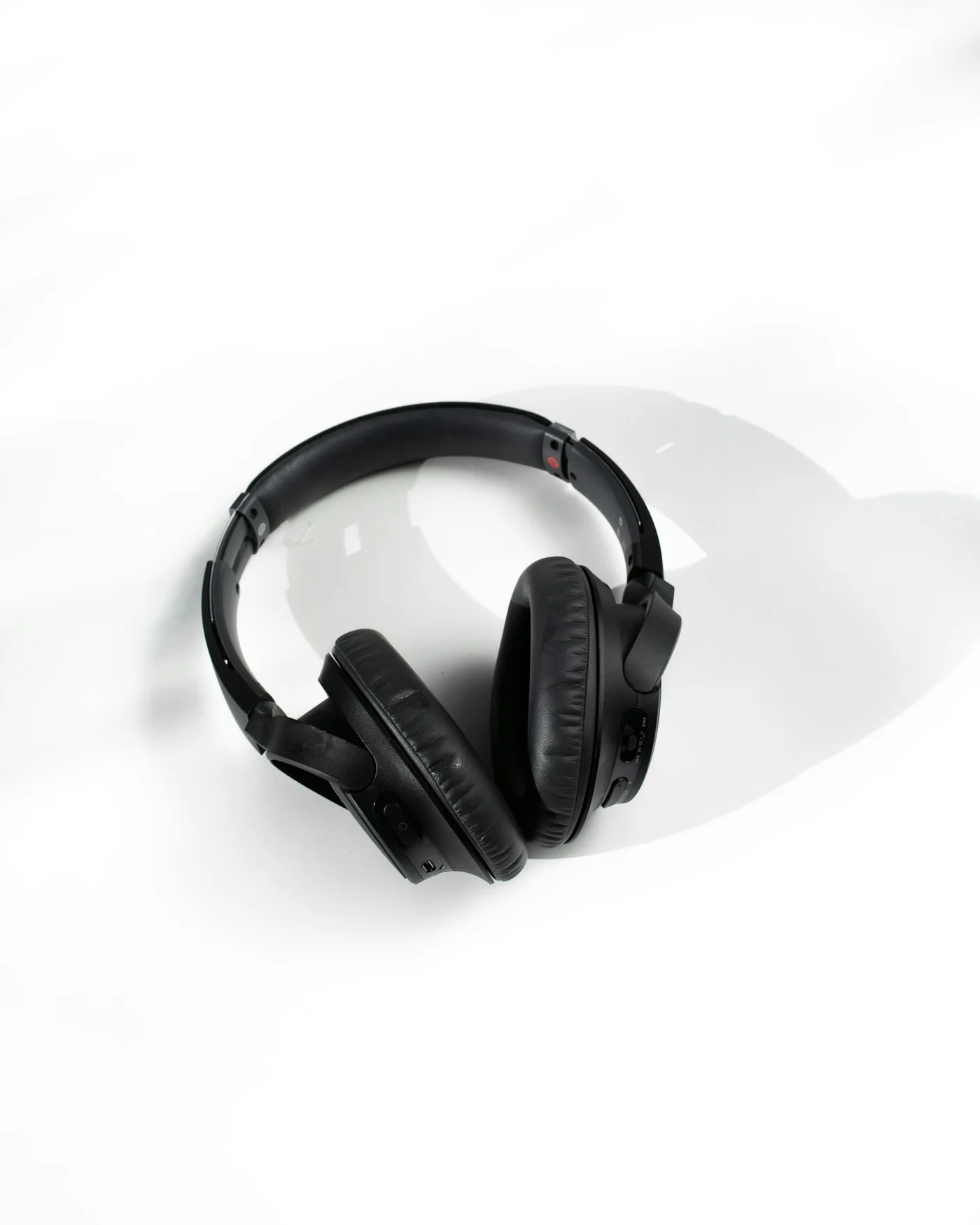
Write down the exact job of anything you plan to add and measure the available space. “A place to park these headphones” is more useful than “make the desk better.”
Finish by giving loose items a home and choosing a five-minute reset you can repeat. A desk feels new when it works smoothly again—and that is a result worth keeping.
Try this next.
A few small steps to turn the idea into something useful.
Go a little deeper.
Original sources, practical instructions, and places worth exploring.
Keep your Mac laptop within acceptable operating temperatures
Mac-specific guidance on surfaces, ventilation, and keeping the area around a laptop clear.
support.apple.comComputer Workstations: Workstation Environment
Practical illustrations of lighting, screen reflections, and other workstation conditions.
osha.govExternal links open in a new tab. References and further reading are selected for this story; inclusion is not an endorsement.
Something we should know? Send a tip or correction.