
In this story ⌄
- Today’s touchscreen Mac announcement caps a three-day run of Apple news; the iPad and software announcements came earlier.
- Hardware preorders opened October 28, with availability starting November 6. Check the configuration and local store before buying.
- This is sourced announcement coverage, not a hands-on review. Software release dates and eligibility differ from the hardware schedule.
There is a particular kind of laptop user who has spent years poking a Mac screen, remembering it does nothing, and quietly going back to the trackpad. Apple finally has something for them.
The touchscreen MacBook Pro was announced October 28. It caps a busy stretch: Apple introduced the iPad mini and Siri language expansion on October 26, then M6 Macs and Creator Studio updates on October 27. Here is the whole week in one place, with the details that matter before you spend anything.
The touchscreen Mac is real. The price is real too.
The 14- and 16-inch MacBook Pro with PROLED XDR Display combines tandem OLED, touch input and a Dynamic Island. It uses M5 Pro or M5 Max. That chip detail matters when you compare it with the M6 machine below.
U.S. starting prices are $2,899 for the 14-inch M5 Pro and $3,399 for the 16-inch M5 Pro. M5 Max starts at $4,499 and $4,799 respectively. Preorders opened October 28; availability begins November 6.
Touch could be handy for moving something directly on a canvas. Whether reaching over a keyboard feels good after an hour is a question for actual use. We have not tested it, and a launch demonstration cannot settle that question for you.
Apple’s promotional photograph demonstrates direct interaction with the MacBook Pro display.
The $1,999 MacBook Pro takes a different route
Apple’s separate 14-inch M6 MacBook Pro starts at $1,999 in the U.S., with a Liquid Retina XDR display. It brings a 12-core CPU, 12-core GPU, Wi-Fi 7 and Bluetooth 6. Orders opened October 28, with availability November 6.
That leaves a $900 gap between the starting prices of the two 14-inch models. It is our subtraction, not an upgrade fee: you are comparing different configurations, chips and displays. Apple’s product overview puts the two display families side by side. A higher chip-generation number alone does not tell you which computer suits your work.
Before getting attached to either, price the memory and storage you actually need. A glamorous screen does not make a full drive less annoying.
The 14-inch M6 MacBook Pro, pictured in Apple’s launch artwork.
The iMac keeps the colorful desk appeal
The M6 iMac retains a 24-inch 4.5K Retina display and seven colors. New connectivity includes Wi-Fi 7 and Bluetooth 6, with 2.5 Gigabit Ethernet available. The U.S. starting price is $1,499 for the 10-core CPU/10-core GPU version; the 12-core/12-core model starts at $1,699. Preorders opened October 28, and availability begins November 6.
An all-in-one is appealing when you want a desk that is ready to use without a monitor-shopping side quest. Just compare the exact port and accessory configuration you are ordering. The most capable version pictured in a launch story is not automatically the entry model.
Apple’s official M6 iMac lineup. Configuration choices matter alongside the color.
The mini gets OLED, and a $699 starting price
The new iPad mini has an 8.5-inch OLED screen, A20 Pro, a 5.4 mm body and IP67 water and dust resistance. Resistance is not a reason to treat a tablet as waterproof. Midnight and starlight are the two finishes, with storage starting at 128GB.
U.S. pricing starts at $699 for Wi-Fi or $849 with cellular. Preorders opened October 28; availability begins November 6. Apple Pencil Pro and Apple Pencil USB-C work with it, but are separate purchases. The new TechWoven Smart Folio is $79. A nano-texture display option is also available; check its configuration and price before checkout.
The appeal here is easy to understand: a small tablet you actually carry. The harder question is whether you want one enough to pay this price. If your main use is reading on the couch, try the size before turning a lovely screen into an expensive habit.
Apple’s launch photograph of the new 8.5-inch iPad mini.
Creator Studio is getting useful editing shortcuts
The Creator Studio update brings MotionVFX into Final Cut Pro, adds stock video to the Content Hub, and lets edits travel between Final Cut and Pixelmator Pro. Pixelmator gains Generate Fill; Logic adds an assistant and more detailed drum separation. Keynote, Pages and Numbers gain assistants and MCP support for external tools.
Updates arrive in November, free for existing subscribers. The subscription is $12.99 a month or $129 a year in the U.S. Some Freeform additions follow in December. The assistant betas are U.S. English only and require Apple Intelligence-capable hardware with the specified version 27 software; MCP requires macOS 27 or later. Check the linked compatibility footnotes for each app.
The promising part is fewer interruptions between a small idea and a finished edit. We will need actual use to judge the time saved. Anyone already happy with their tools can wait for the update before adding another subscription.
Apple’s promotional screenshot of MotionVFX inside Final Cut Pro. The announced updates arrive in November.
Siri reaches more languages, with limits worth reading
The October 26 Siri AI expansion added French, Japanese, Korean, Portuguese and Spanish alongside English. It is a beta in the 27.2 software releases and requires an Apple Intelligence-enabled device set to a supported language.
The geographical restriction is significant: Apple says Siri AI is unavailable in the EU on iOS, iPadOS and watchOS. It is also unavailable to users under 13. Some server-based features have daily limits; expanded access is planned for a fee. Traditional Chinese, Norwegian, Turkish and Vietnamese are planned by year-end, rather than available under this announcement.
Before buying hardware for an assistant feature, check the combination of device, language and region you will actually use. A demo in someone else’s setup is only part of the answer.
The Siri app icon supplied with Apple’s language-expansion announcement.
What to check before November 6
The hardware above shares a November 6 availability date; the software does not share one universal launch day. These are Apple’s announced dates and U.S. starting prices, checked October 28. Local pricing, stock and configurations can differ.
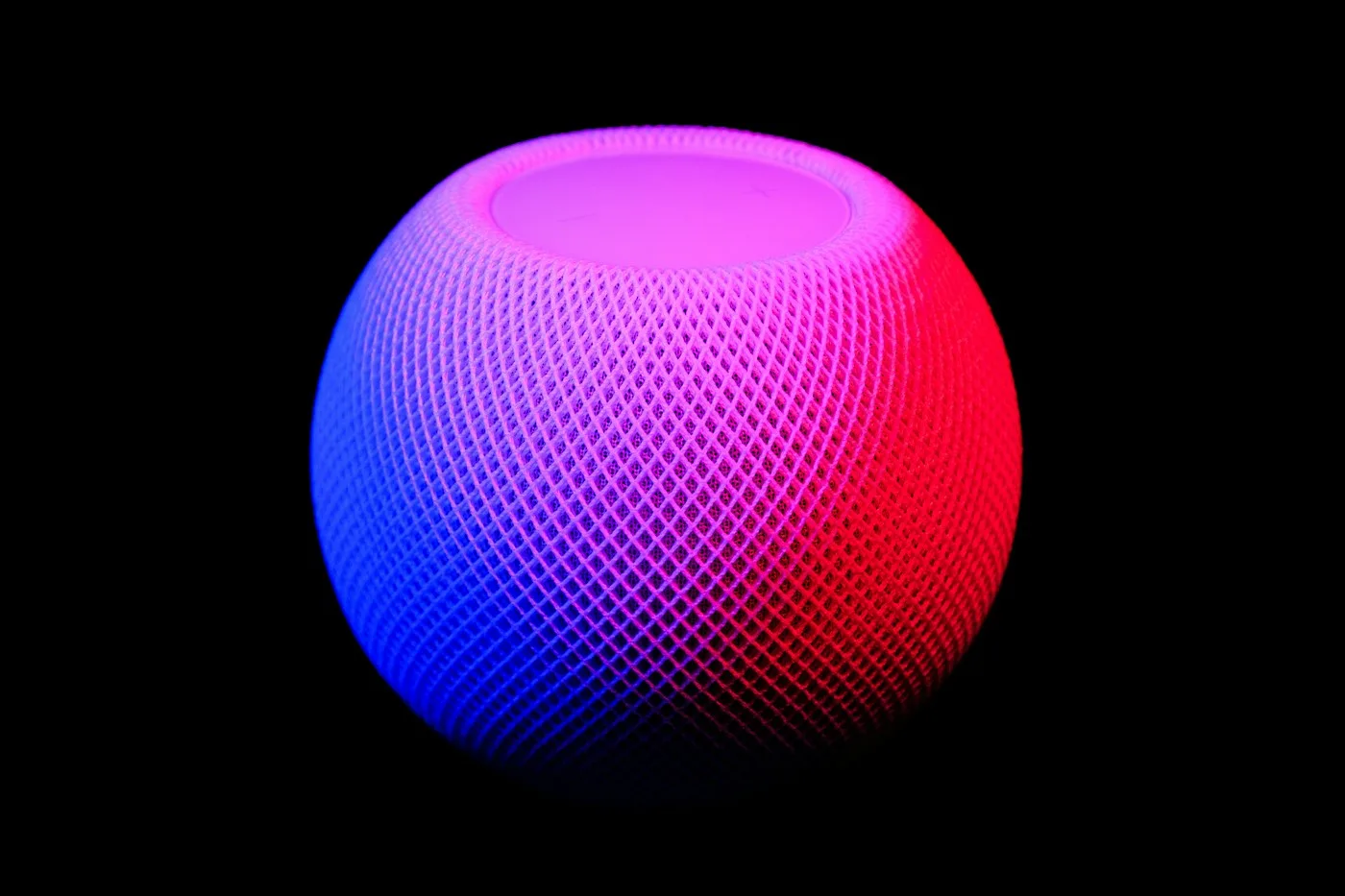
For our earlier reporting, the event preview now carries a dated follow-up. Already thinking about Apple’s home lineup? Our HomePod mini 2 explainer separates the speaker purchase from promised software.
Which change would actually earn a place in your day: a touchscreen Mac, a smaller OLED iPad, or better tools on hardware you already own? Tell us below.
Official Apple product images are credited and linked throughout. This is announcement analysis, not a hands-on review. Sources checked October 28, 2026.
Go a little deeper.
Original sources, practical instructions, and places worth exploring.
The touchscreen MacBook Pro
October 28: display, chips, U.S. prices and release date.
apple.comThe 14-inch MacBook Pro with M6
October 27: the separate M6 laptop announcement.
apple.comThe iMac with M6
October 27: configurations, connectivity and pricing.
apple.comThe OLED iPad mini
October 26: display, accessories and availability.
apple.comCreator Studio’s November updates
October 27: app features, subscription pricing and compatibility footnotes.
apple.comSiri AI’s language expansion
October 26: supported languages, devices, regions and usage limits.
apple.comCompare the MacBook Pro display families
Apple’s product overview distinguishes PROLED touch models from the Liquid Retina XDR line.
apple.comExternal links open in a new tab. References and further reading are selected for this story; inclusion is not an endorsement.
Something we should know? Send a tip or correction.
Your take.
A different angle. A good question. A hill you’ll happily die on. We’re listening.
Be the first to add a little signal.