
In this story ⌄
- Put the useful apps within reach and move distractions out of the way.
- Review notifications instead of accepting every interruption.
- Check backups and account access before removing an app.
An app can be useful and still not deserve a permanent place on your phone. Maybe it solved one problem six months ago. Maybe a friend recommended it. Maybe its main contribution now is a red badge.
You do not need a dramatic digital detox. You need a home screen that makes the next useful thing easier to find.
Begin with one ordinary day
Think through a typical day and write down the tasks your phone supports. Directions, messages, photos, a calendar, a shopping list, music—whatever belongs to your routine.
This is a task list, not an app inventory. Several apps may serve the same purpose, and one app may cover several tasks. The exercise helps you judge what is useful without being distracted by icons.
Choose the tasks you want to make easier. You might care most about finding your next appointment or capturing an idea before you forget it.
Make the first screen deliberate
Place the few tools you use intentionally on the first screen. Group the rest by a logic that makes sense to you, or leave them accessible through search.
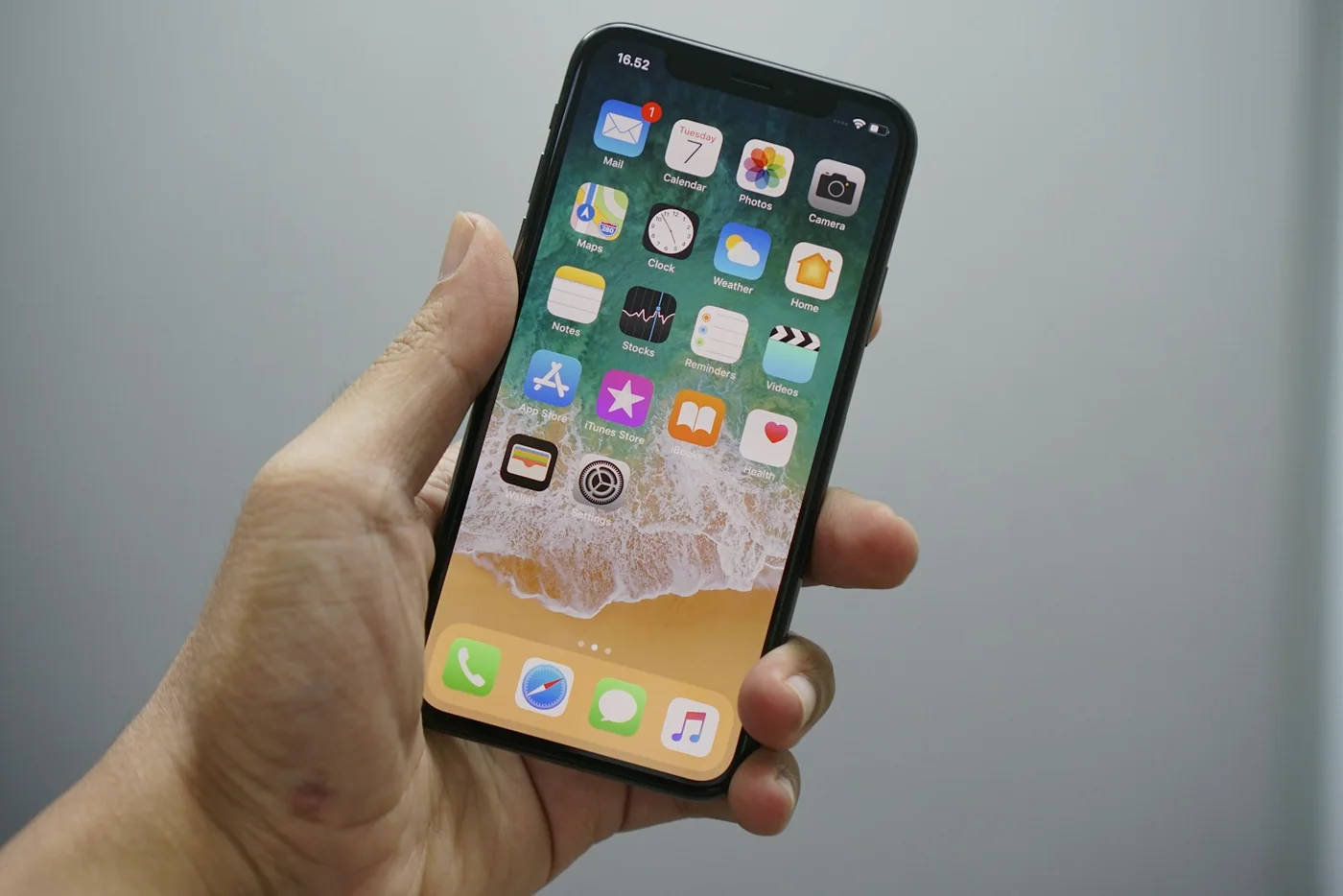
Try removing distracting shortcuts from the home screen before removing the apps themselves. That reversible step lets you test whether visibility is the problem. On iPhone, Apple's Home Screen and App Library guide shows the available options.
Avoid spending an entire afternoon perfecting folders. The arrangement only needs to help you reach the next useful action. Try it for a few days and change what still feels awkward.
Review notifications by purpose
Open notification settings and consider each app's job. Ask whether a notification helps you act at the right moment or merely announces that something happened. iPhone and iPad users can follow Apple's notification settings instructions.
A time-sensitive reminder may earn an interruption. An occasional update might be something you would rather check when you open the app. The appropriate choice depends on your responsibilities and preferences.
Adjust a small group at a time so you notice if an important alert goes missing. Keep the settings for essential communications aligned with the way people need to reach you.
Clear duplicates carefully
Look at the places where you save the same kind of information. If you have multiple note apps, choose where new notes will go for now. You do not have to migrate your entire history immediately.
Before deleting an app, check whether it contains files, drafts, credentials, or other information you need. Confirm how its account, backups, and exports work using the service's own instructions.
Removing an app may not close an account or cancel a paid subscription. Treat those as separate decisions and check them through the appropriate service settings.
Leave room for changing habits
A phone should support experiments as well as routines. Keep a small place for apps you are trying and give yourself a reminder to revisit them later.
If an app earns regular use, move it into your main arrangement. If it does not, archive or remove it after checking its data. A trial does not need to become a permanent resident.
End with one simple rule: every new app should have a clear job. When that job disappears, reconsider its place. Your phone can become easier to use without becoming less capable—or less yours.
Try this next.
A few small steps to turn the idea into something useful.
Go a little deeper.
Original sources, practical instructions, and places worth exploring.
Organize the Home Screen and App Library on your iPhone
Learn how to hide Home Screen pages and keep apps accessible in the App Library.
support.apple.comUse notifications on your iPhone or iPad
Find app-by-app notification controls, alert styles, and notification summary settings.
support.apple.comExternal links open in a new tab. References and further reading are selected for this story; inclusion is not an endorsement.
Something we should know? Send a tip or correction.