
ANTHROPIC
Claude
A place to develop a rough idea into an editable draft. Give it a sample of your own writing and a concrete brief.

You don’t need another list of 50 tools. You need a starting point for the thing on your plate. Let’s find one.
Pick your task ↓Bring the awkward first paragraph, the notes in your phone, or the email you’ve rewritten four times. Ask for one specific improvement.
A place to develop a rough idea into an editable draft. Give it a sample of your own writing and a concrete brief.
Use Chat for a back-and-forth on wording, structure, or an opening. Keep the original draft nearby as you revise.
A writing space for drafting and refining sections. Google documents controls for adjusting tone and expanding passages.
Fill in the brackets. Add your context. Make it yours.
Help me edit this draft for [reader]. Keep my point of view and the details that sound like me. Flag vague claims, suggest a clearer opening, and show a revised version under [word count]. Don’t invent facts or personal experiences. Here is my draft: [paste text].
The human partRead the result aloud. Put back the phrase you would actually say, even if the model prefers something smoother.
A useful research question has edges: a place, a time period, a decision. Give the tool those boundaries before asking it to go looking.
Builds a research plan, searches sources, and produces a report. You can choose whether connected Google content is part of the search.
Ask for web research with linked sources. OpenAI documents web search and deeper research workflows; access depends on your account and workspace.
Fill in the brackets. Add your context. Make it yours.
Research [question] for someone deciding [decision]. Use current primary sources where possible. Give me the strongest evidence, the disagreements, and what is still unknown. Link each important claim to its source and include the source date. Say when you cannot verify something.
The human partOpen the links that matter. Check whether the source actually supports the claim and whether its date fits your question.
One screen. One useful action. One clear way to tell whether it works. That is a much better starting brief than “build the next big app.”
For code work with developer views: debugging, tests, code review, and implementing features in an accessible project.
For turning an idea into a small app or game you can inspect. Google also documents interactive learning tools and code visualizations.
Anthropic lists working prototypes among Claude’s outputs. Start with a tight brief and inspect the result before sharing it.
Fill in the brackets. Add your context. Make it yours.
Help me build a small [tool] for [person]. It should do [one main job]. First list the information you need. Then make the smallest working version, explain how to run it, and check [three concrete behaviors]. Tell me what is unfinished. Ask before publishing anything.
The human partTry the broken-input case, the empty case, and the phone-sized screen. A good-looking preview is only the beginning.
Meeting notes, a messy spreadsheet, six versions of a brief. Name the output you need and give the tool the source material it should use.
Create and refine documents, presentations, spreadsheets, and PDFs from your source files, then download and inspect the output.
Anthropic’s examples include pulling information together and extracting action items from meeting transcripts. Specify the format and what to leave out.
Can include uploaded files in a research task. Useful when you need to connect your material with outside sources.
Fill in the brackets. Add your context. Make it yours.
Use the attached [files] to create [a table / a one-page brief / an action list]. Preserve names, dates, and numbers exactly. Show which file each finding comes from. Flag contradictions and missing information instead of filling gaps. Finish with the items I need to check.
The human partSpot-check names, totals, and dates against the originals. Only upload files you are comfortable sharing with the service.
Features and limits vary by plan, region, device, and workspace. These links take you to the providers; no paid plan is required by this guide. Check availability before subscribing.
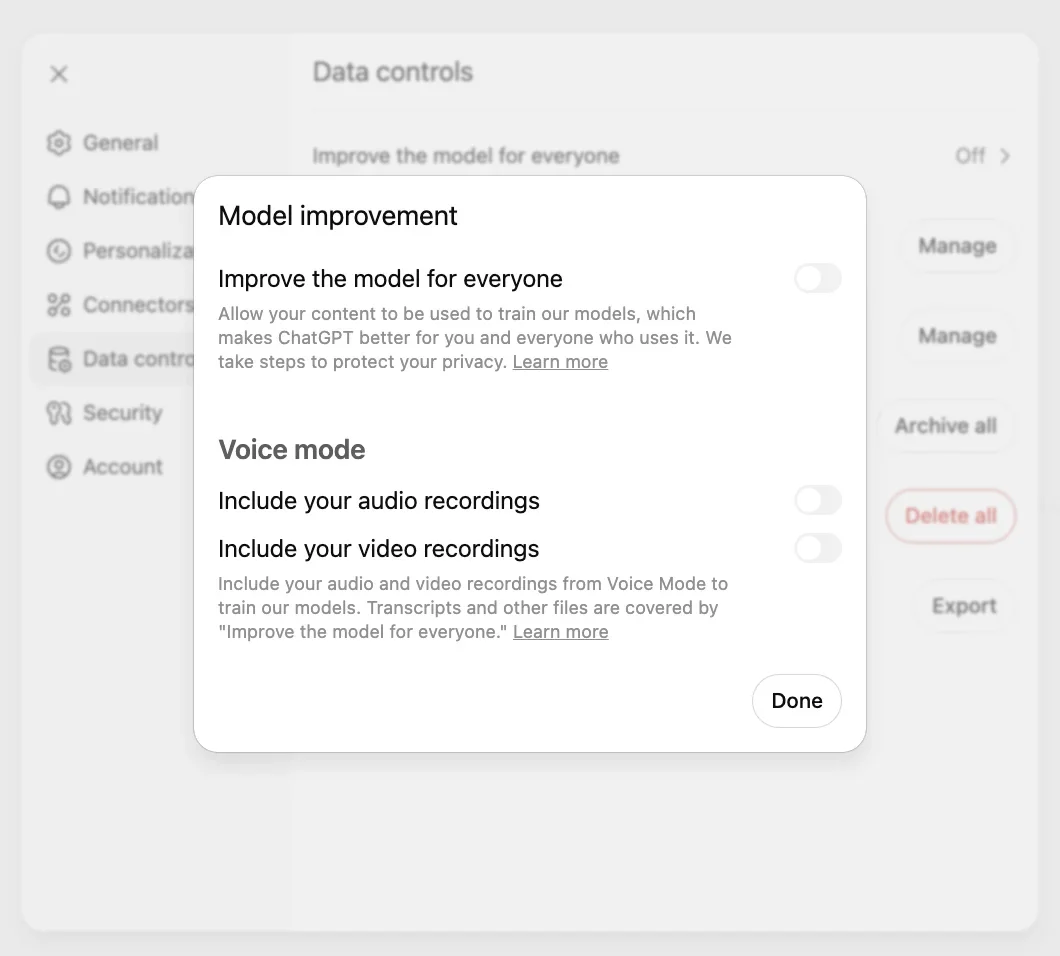 ↗
↗Locked chats help keep conversations out of the sidebar. Training settings, saved links and a forgotten PIN need separate attention.
 ↗
↗Anthropic’s proactive assistant is in a US research preview. The morning brief sounds useful; the shared allowance deserves a closer look.
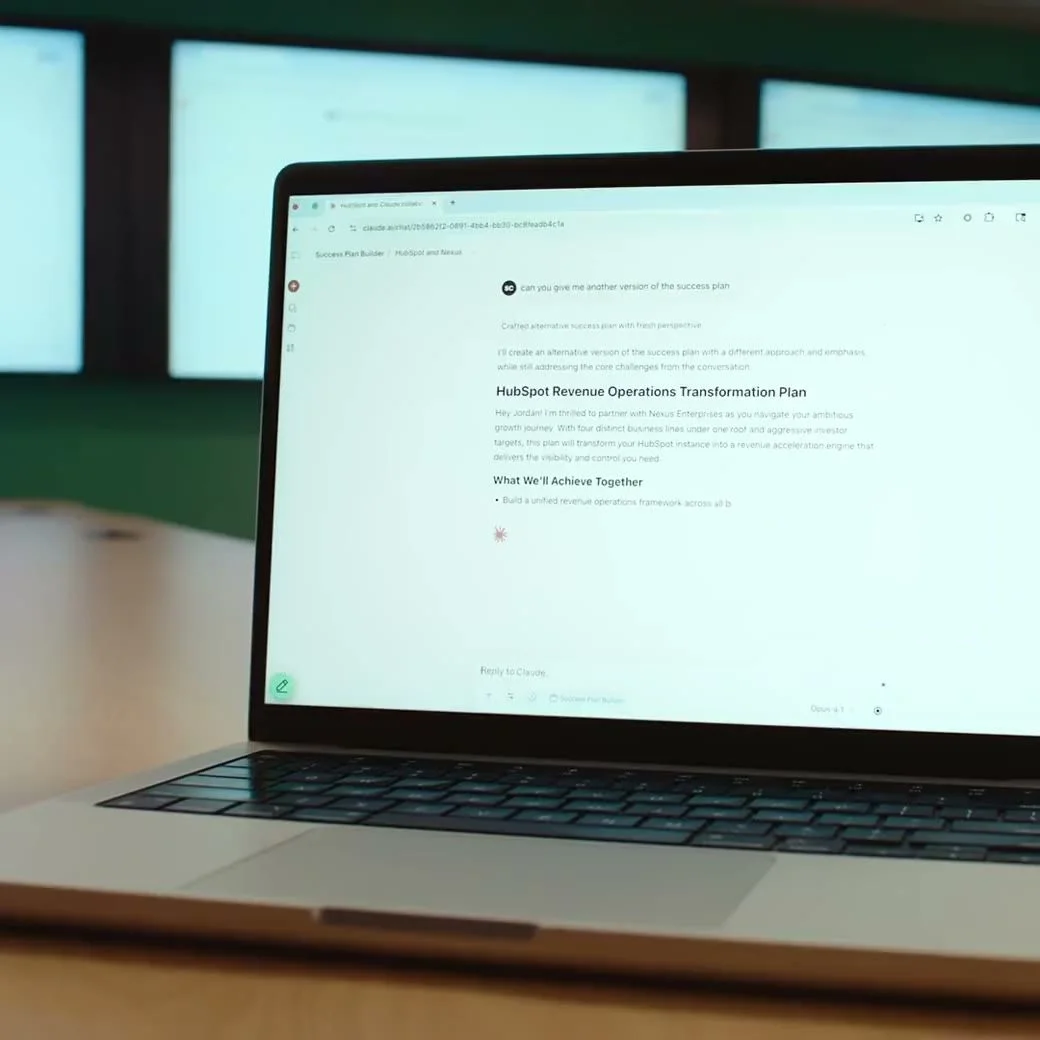 ↗
↗Haiku 5.5 is replacing 4.5 for personal Claude accounts. The useful question is what happens to the work you already have.
 ↗
↗Skills can combine saved instructions in one chat. The migration also has deadlines, file limits and some missing tools.
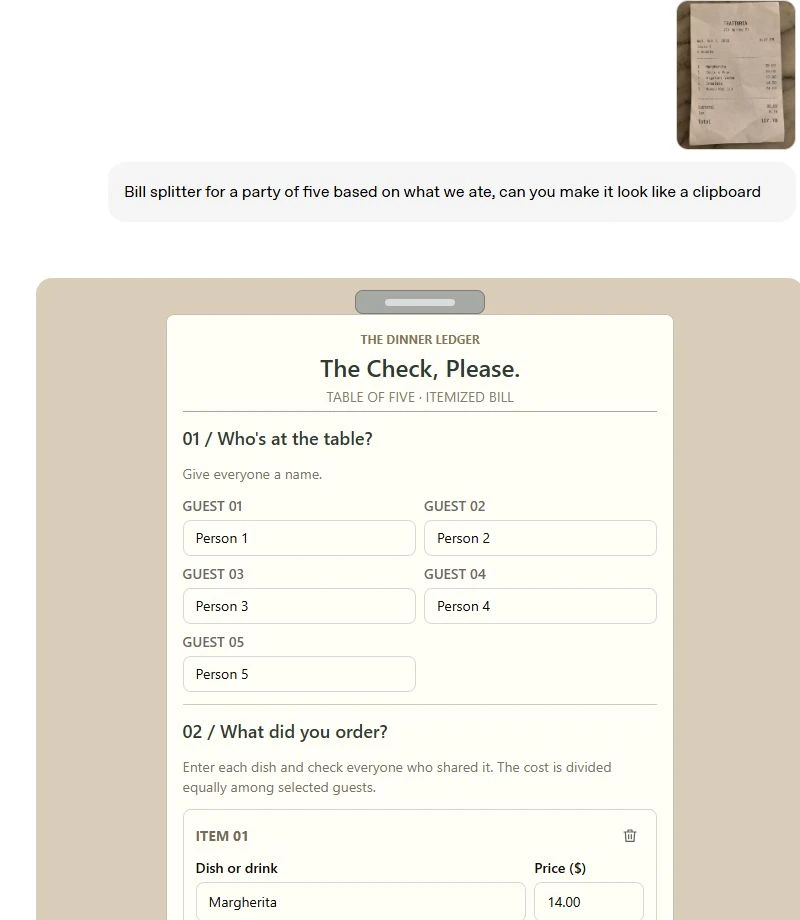 ↗
↗OpenAI’s Intelligent UI can turn a reply into something you can adjust. A prettier answer still needs good information underneath.
 ↗
↗Before you chase another shiny app, give one familiar tool a real job. The results can be surprisingly useful.
We match ordinary tasks to capabilities described in official product documentation. This is an editorial selection, not a benchmark or a promise that one tool will always win. Try the same small task in tools you already have access to, then judge the result.
Tell us what you’re trying to do ↗